
Airport work does not have to mean balancing a laptop on your knees at the gate. Many U.S. terminals have spaces built for working, reading or simply sitting somewhere better suited to a screen. If a nearby gate happens to be quiet, it can still work in a pinch, but these 11 options are actual airport amenities you can look for.
Airport Lounges
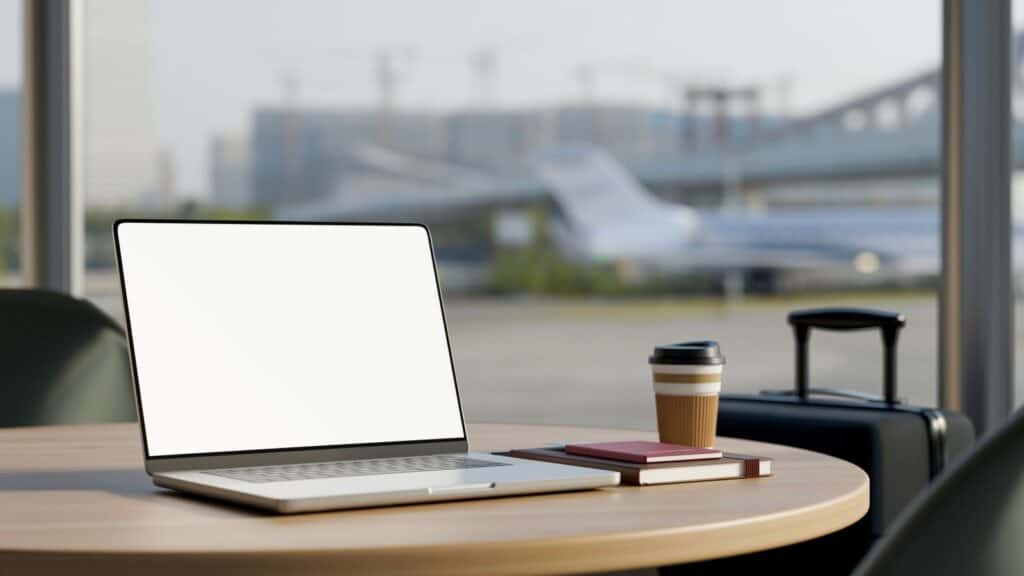
Airport lounges cover airline clubs, independent lounges and card-linked lounges, so they only need one spot on this list. At Chicago Midway, The Club MDW sits in the Central Market and includes areas for work. The airport says 90% of its seating has power outlets. Access rules vary by lounge.
Private Work Pods
For calls or focused work, private booths are hard to beat. Cleveland Hopkins has six reservable Jabbrrbox workspaces, with two in each concourse. The airport lists soundproofing, Wi-Fi, power outlets, and lighting designed for video calls.
Minute Suites
Minute Suites are private rooms rather than traditional lounges. At JFK, Minute Suites in Terminal 4 sit past security near Gate B39. The reservable suites include a desk, high-speed Wi-Fi, and charging outlets, which makes them useful for work that needs more privacy.
Airport Conference Rooms
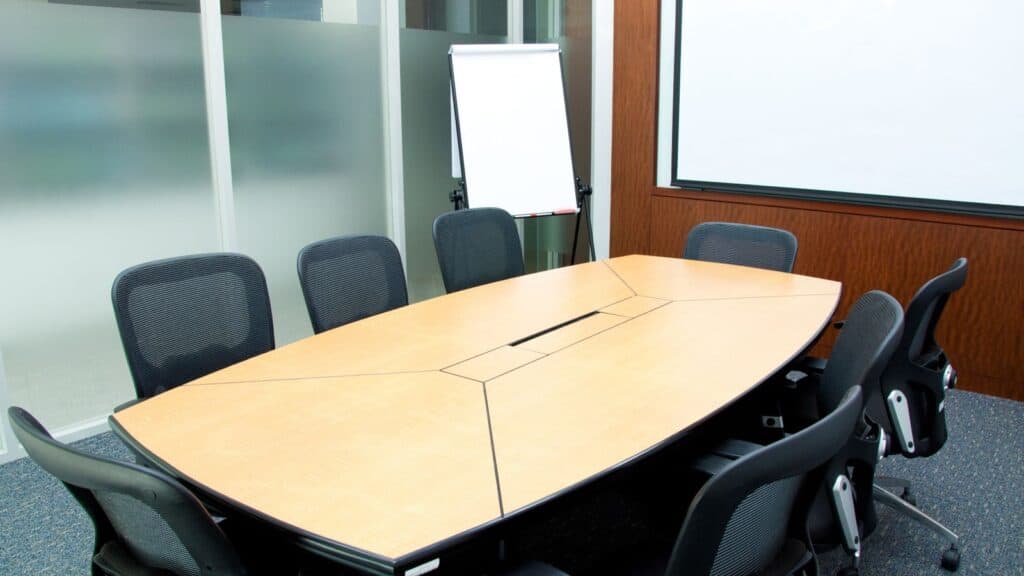
Some terminals have meeting rooms hiding in plain sight. Reagan National has conference rooms for rent in Terminal 1, before security. The rooms can be reserved separately or combined, making them a better fit for a planned meeting than a last-minute email session.
Business Centers
Dedicated airport business centers still exist. Daytona Beach International has a free Business Center near Gate 6 in the secured concourse. It is designed for email, copies, device charging, and phone calls and is open while the concourse is active.
Quiet Rooms and Quiet Zones
Not every quiet area is an office, so use these spaces for silent tasks. Minneapolis-St. Paul has two Quiet Seating Areas inside security in Terminal 1, on the Mezzanine Level overlooking the Airport Mall. The airport describes them as suitable for reading, resting, meditation, or prayer.
Dedicated Work Areas
Some airports label actual workstations instead of leaving you to improvise. O’Hare’s free Power Stations are seated workstations with counter space and AC outlets. They appear throughout the terminals, including Terminal 1 near Gates B5, B11, and B12.

Dining Areas With Charging
A food court can work better than a gate when the airport has designed the seating for devices. At Midway, charging-equipped tables and workstations are listed in the Central Market, Concourse A Food Hall, and café seating near Gate A5. Free airport Wi-Fi is available throughout the terminals.
Airport Atriums and Public Spaces
Large public seating areas can be useful when you want room to spread out without paying for access. Seattle-Tacoma’s Central Terminal added 11,000 square feet of dining and seating, plus high-top charging stations and tabletops. It gives laptop users a practical option outside a lounge.
Post-Security Outdoor Areas
A laptop session does not have to happen under fluorescent lights. SFO’s Outdoor Terrace is post-security in International Terminal G and has comfortable seating with wide airfield views. It is open to ticketed passengers and gives you fresh air without leaving the secure side.
Libraries and Reading Rooms
Some airports have spaces built around reading and research. SFO’s Aviation Museum and Library is pre-security in the International Terminal Main Hall and free to enter. Library use and research assistance are by appointment, so this is a niche option for travelers with real research to do.
Look Beyond the Gate
The best airport workspace depends on the job. Calls need privacy, research needs quiet, and a quick email may only require a counter and an outlet. Before settling at the gate, check the airport’s amenities page or terminal map. You may already be a short walk from a space built for exactly what you need.