
Your TV goes dark, but the cable box beside it might still be quietly adding to your electric bill. Game consoles, printers and even microwave clocks can keep using electricity long after you’ve finished with them, although the costs vary more than you might expect. Knowing which devices use the most power can help you cut unnecessary expenses without unplugging half the house.
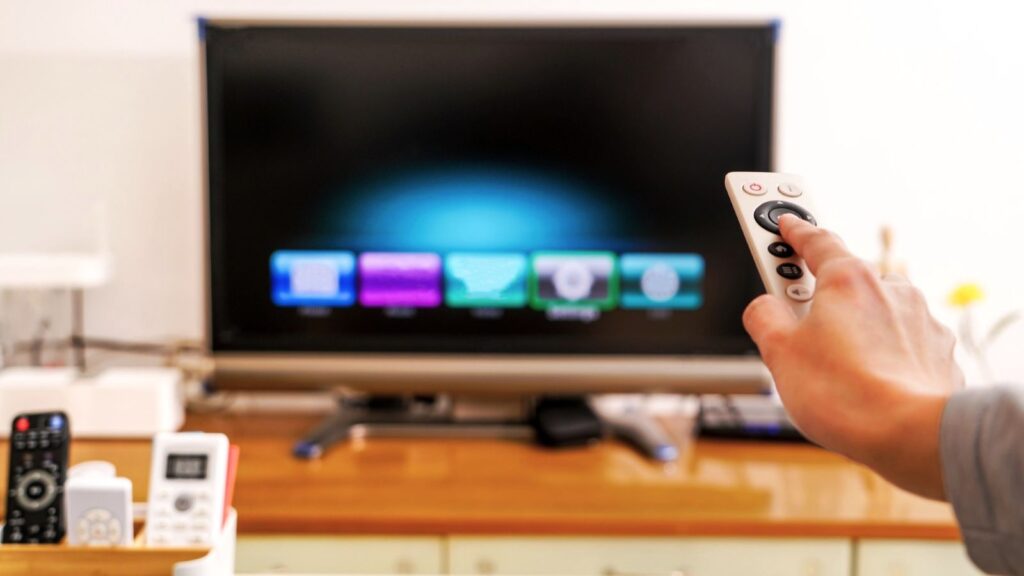
Cable Boxes That Never Quite Switch Off
The U.S. Energy Information Administration found older set-top boxes often used 15 to 20 watts in standby. At the EIA’s projected 2026 U.S. residential average of 18.2 cents per kilowatt-hour, that equals about $23.91 to $31.89 a year if the draw continues nonstop. Newer boxes differ, and unplugging may interrupt recordings.

Game Consoles in Quick-Start Mode
Microsoft says an Xbox in active Sleep mode can draw 10 to 15 watts, versus 0.5 watt in energy-saving shutdown. Those levels would cost about $15.94 to $23.91 a year or about 80 cents, respectively, if maintained nonstop. The company’s Xbox power guide explains how to adjust active hours.
TVs Waiting for the Remote
Modern televisions aren’t always the bill’s biggest culprit. Under ENERGY STAR television criteria, certified sets use no more than 0.5 watt in passive standby and 1 watt in networked standby. That’s at most about 80 cents or $1.59 annually at the comparison rate. Connected accessories can use more.
Soundbars With Network Features Ready
A soundbar can draw more power when features stay ready in the background. Yamaha lists its True X Bar 40A at 0.5 watt in one standby setting and 2 watts in certain network-standby modes. Those rates equal roughly 80 cents and $3.19 a year if continuous. Check which features would change.
Desktop Computers Left Asleep
Putting your desktop to sleep generally uses less electricity than leaving it running, but sleep is not the same as unplugging it. The Department of Energy encourages low standby power in computers and related equipment. Try a short sleep timer or shutdown when finished. Check the monitor’s settings, too.
Printers Waiting for a Job
Printer settings matter. Brother rates its HL-L2405W laser printer at 4 watts in Sleep, 0.6 watt in Deep Sleep and 0.06 watt when powered off. At the comparison electricity rate, continuous Sleep would cost about $6.38 a year, versus about 96 cents in Deep Sleep.
Microwaves With Glowing Clocks
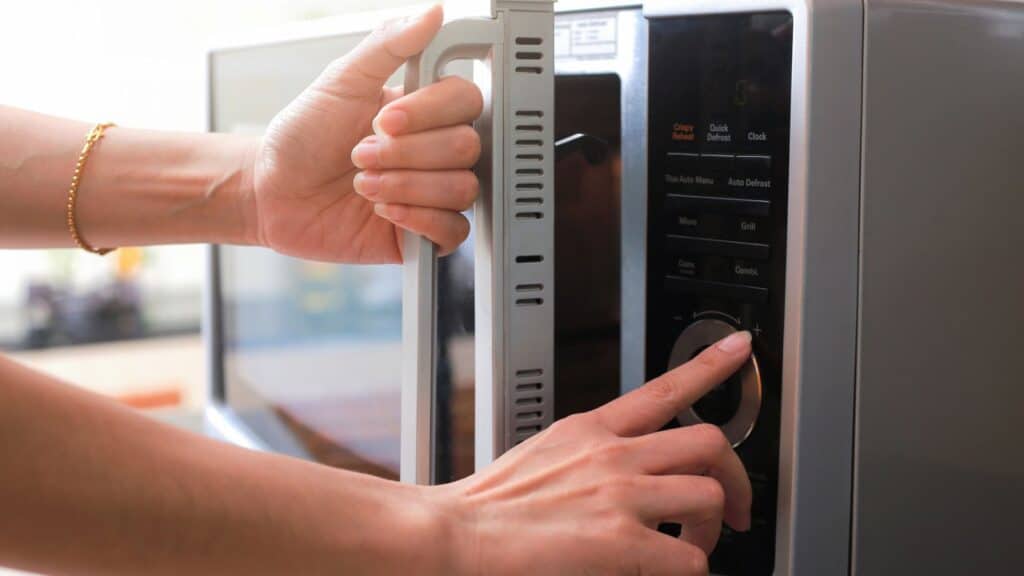
A microwave clock draws power between meals. Federal standards for covered microwave ovens manufactured starting June 22, 2026, cap average standby use at 0.6 or 1 watt, depending on the product class. At 1 watt nonstop, the cost is about $1.59 a year. Older models can differ.
Coffee Makers With Timers
Coffee maker clocks can stay powered between brews. A 2011 ENERGY STAR research report describes 0.5 watt as an example for an efficient timer, not a rating for every machine. That would cost around 80 cents annually. A warming plate left heating coffee can matter far more, so use the automatic shutoff feature.
Smart Speakers Waiting for a Command
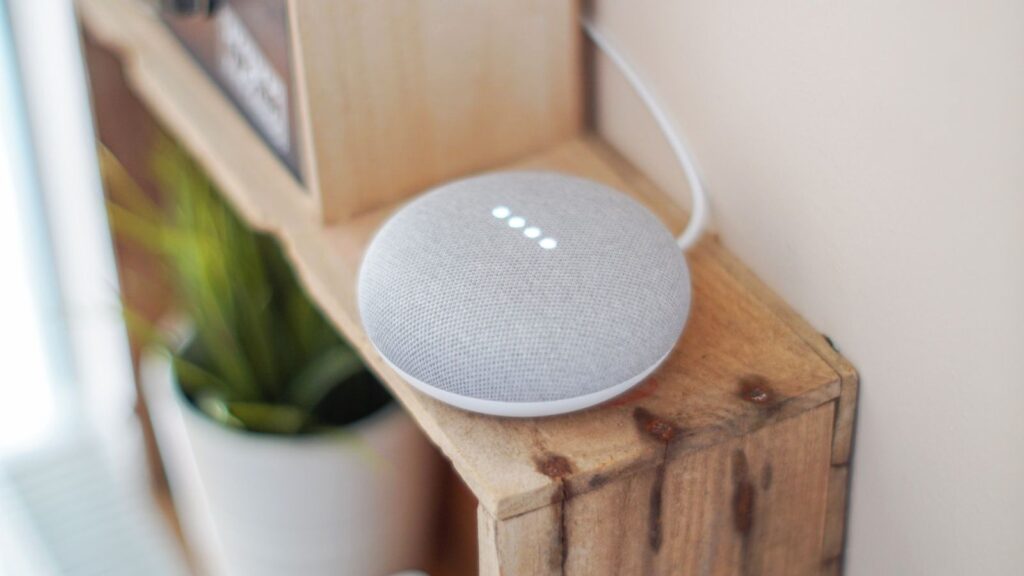
A connected speaker needs power to answer you. Google’s published testing lists 1.6 watts in networked standby for the second-generation Nest Mini, measured under European test conditions. Running at 1.6 watts constantly would cost about $2.55 annually at the U.S. comparison rate, although real household results can differ.
Modems and Routers That Stay Connected
Your router and modem still use power even when nobody is browsing. The Lawrence Berkeley National Laboratory explains that network-ready equipment may draw power while awaiting activity. Calling every watt waste misses the point: switching these devices off can interrupt cameras, smart-home functions or phone service. Choose efficient equipment without cutting needed connections.
Phone Chargers With Nothing Attached
An idle charger may draw electricity, depending on its design. At the comparison rate, a hypothetical 0.1-watt draw costs about 16 cents annually and 0.5 watt costs about 80 cents. Those are examples, not universal charger ratings. Berkeley Lab’s standby guidance favors measuring small loads.
Measure Before You Start Unplugging
Power savings must balance convenience with cost. You don’t need a nightly unplugging ritual to spend less on electricity. Use a plug-in power meter to see what your equipment draws, then adjust settings that make sense for your household. A modest habit you can keep beats a long checklist that gets abandoned after a week.